Designing a mobile and device experience that brings clarity, control, and confidence to everyday driving.
Type — Product Design
Company — TomTom
Role — Senior Product Designer
Year — 2025
The Goal
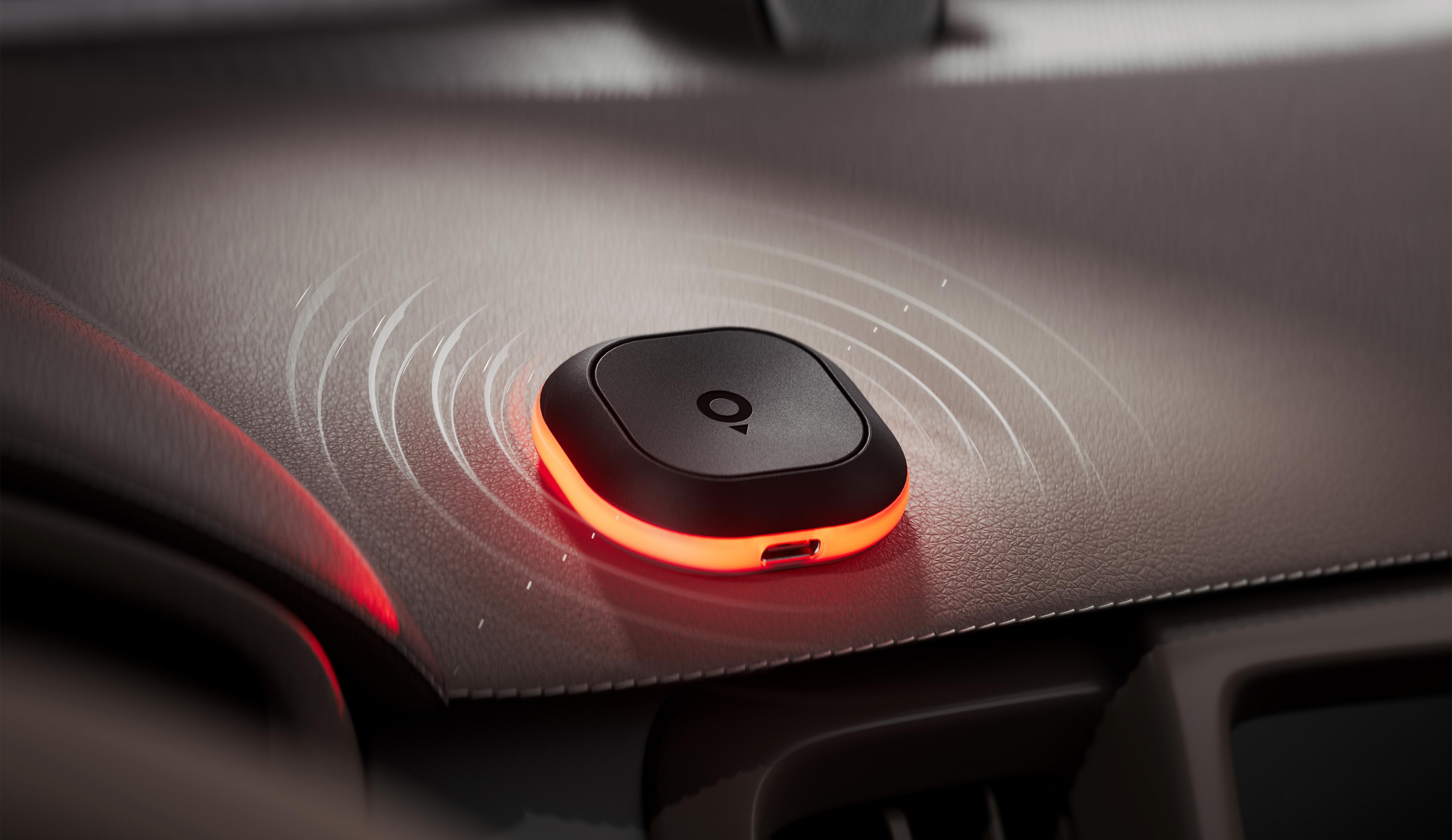
As a freelance senior product designer at TomTom in Amsterdam, I worked on the mobile experience for Tom: a compact connected road alert device that helps drivers stay aware of cameras, traffic jams, road hazards and speed-related events.
What started as a UI-focused assignment grew into a broader product design role. I became closely involved in the app experience, setup and pairing flows, device states, alert logic, light and sound behaviour, prototyping, and design-system work.
The main challenge was to make a physical device feel understandable inside an existing navigation app. Tom needed to behave like part of the TomTom driving experience — not as a separate gadget users had to configure and understand on their own.
Onboarding
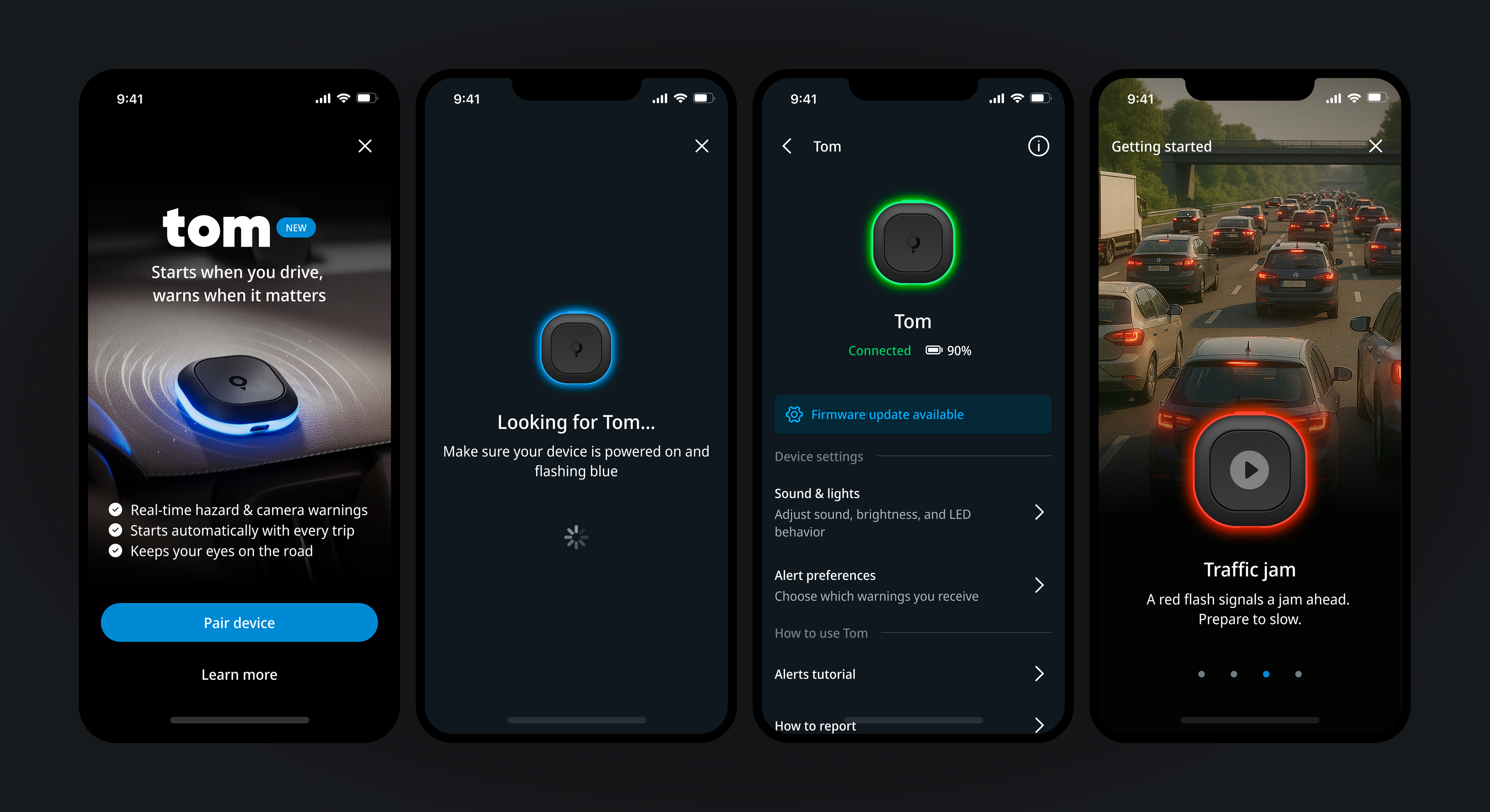
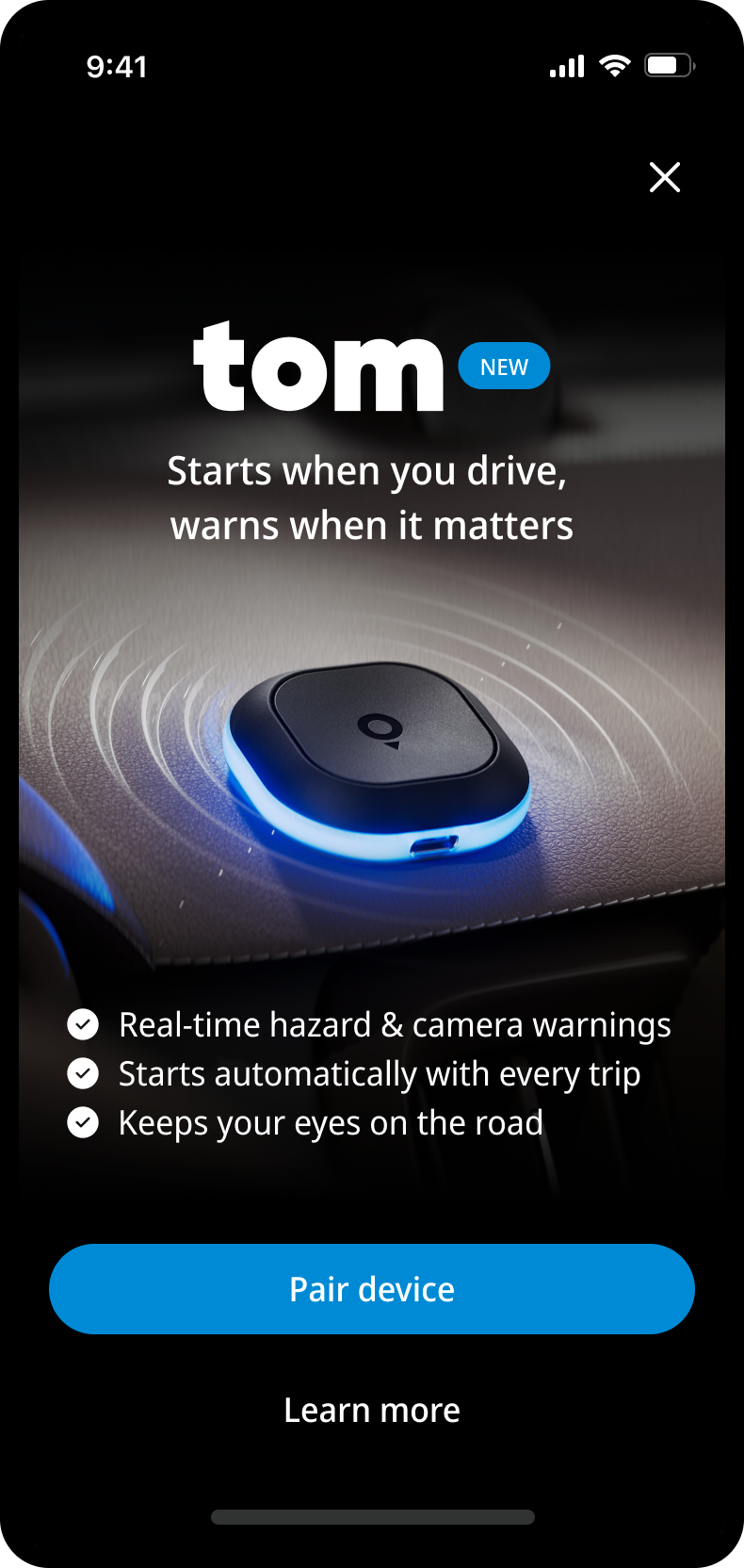
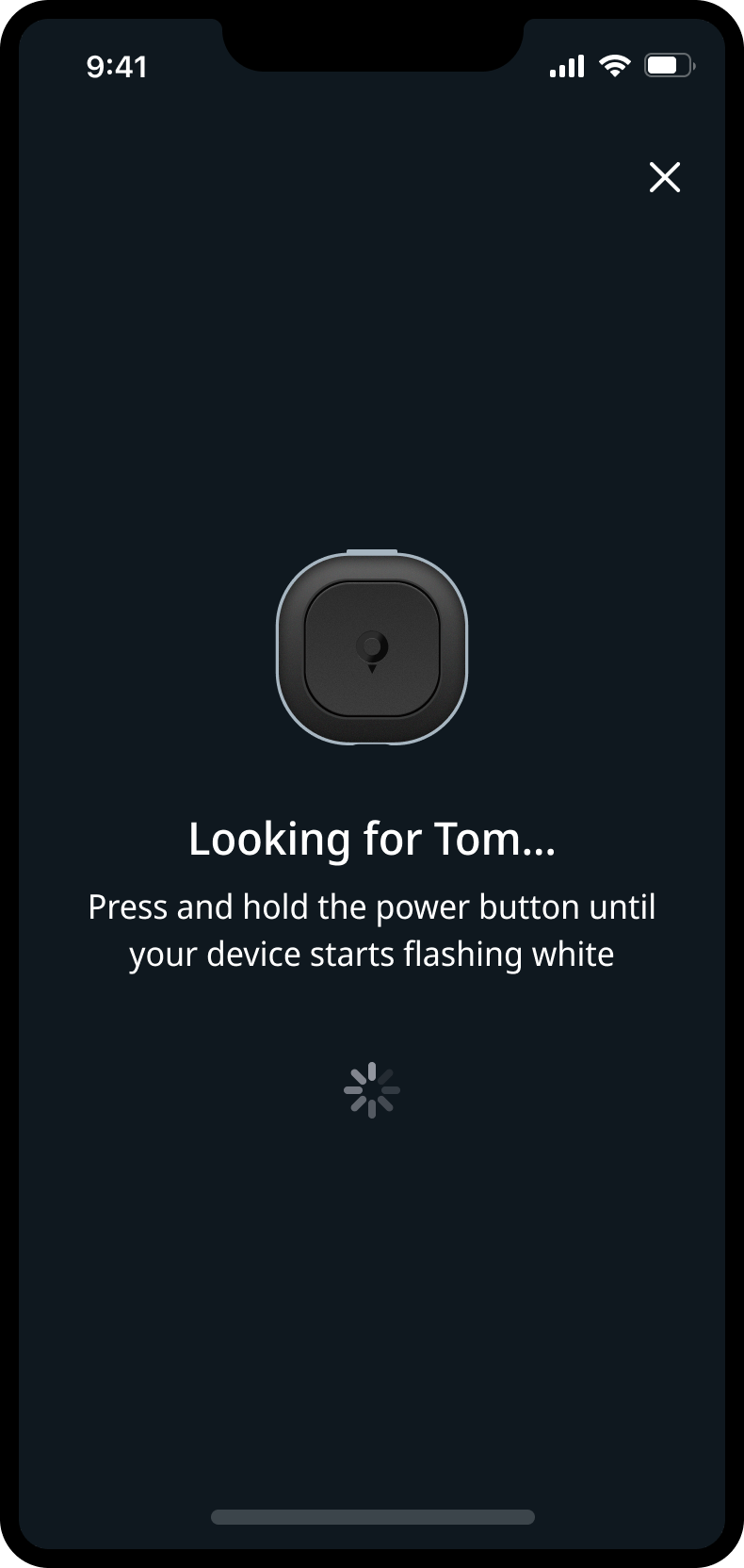
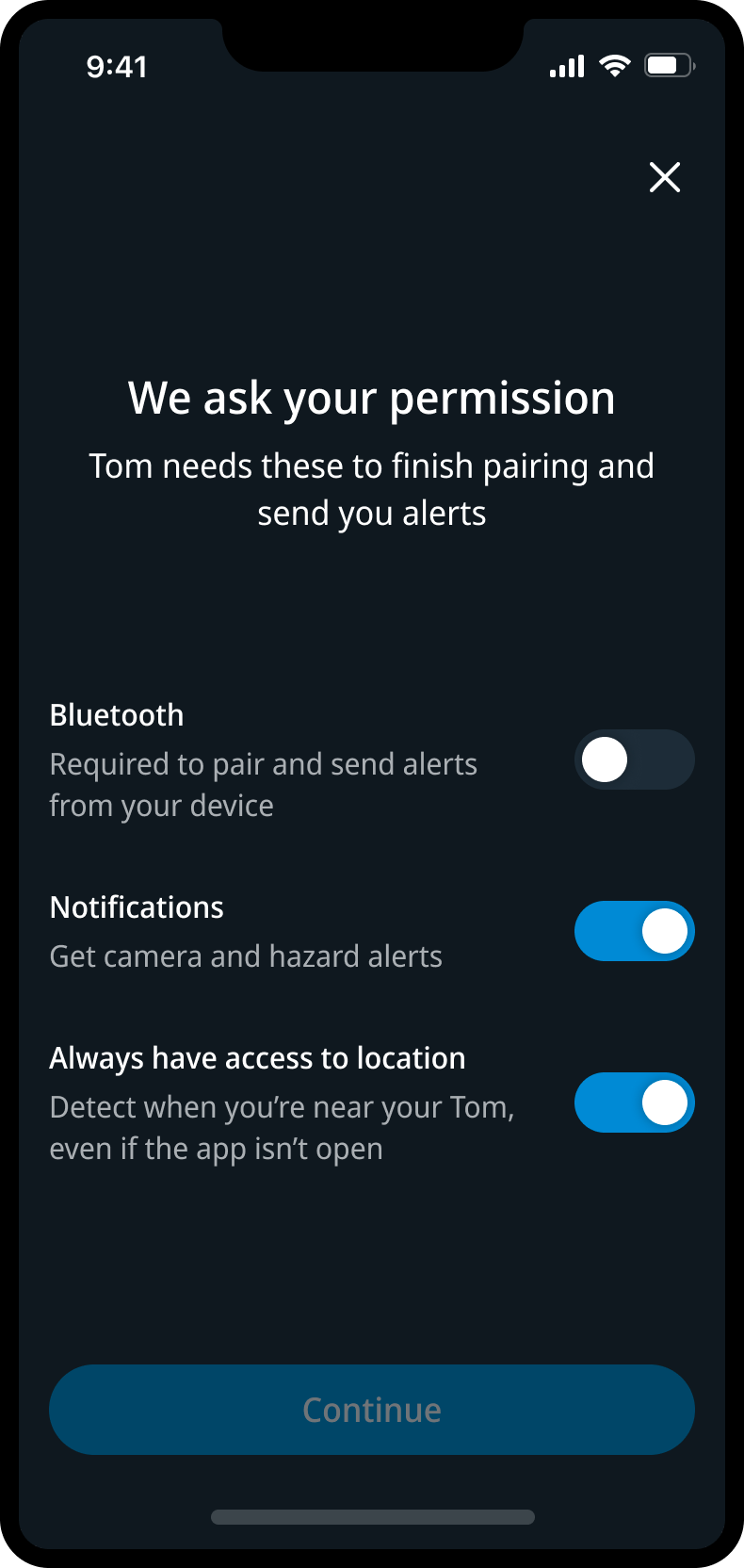
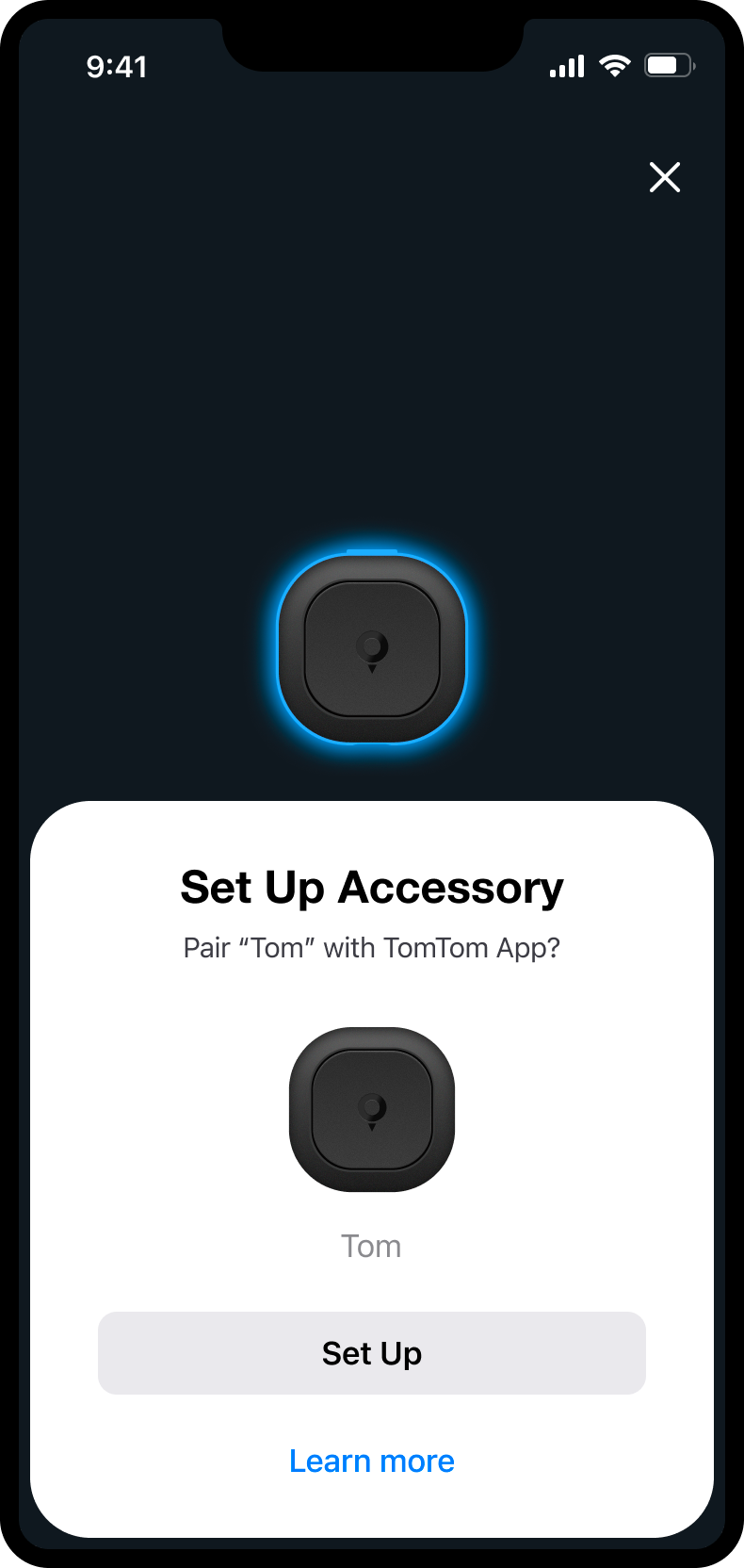
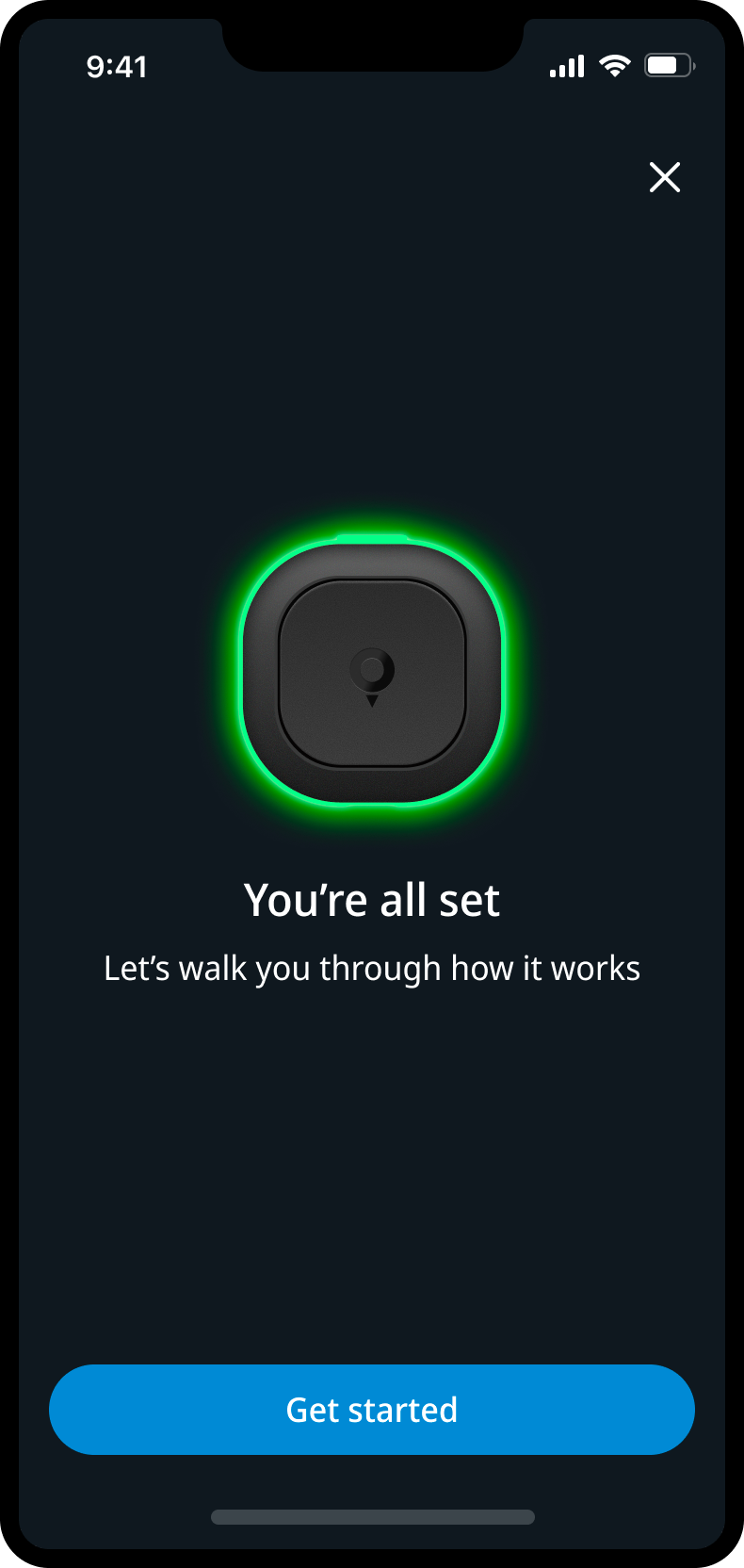
I designed the onboarding and pairing experience for Tom inside the existing TomTom app. The flow had to take users from first discovery to pairing, connection confirmation, permissions, firmware steps and the first explanation of how the device behaves on the road.
This meant designing across app UI, native Bluetooth pairing mechanics, device feedback and edge cases. If pairing failed, permissions were missing or connection dropped, the experience needed to guide users back without making setup feel like troubleshooting.
The goal was to turn a technical hardware moment into a clear first-use journey: calm, guided and connected to the product experience.
Tutorials
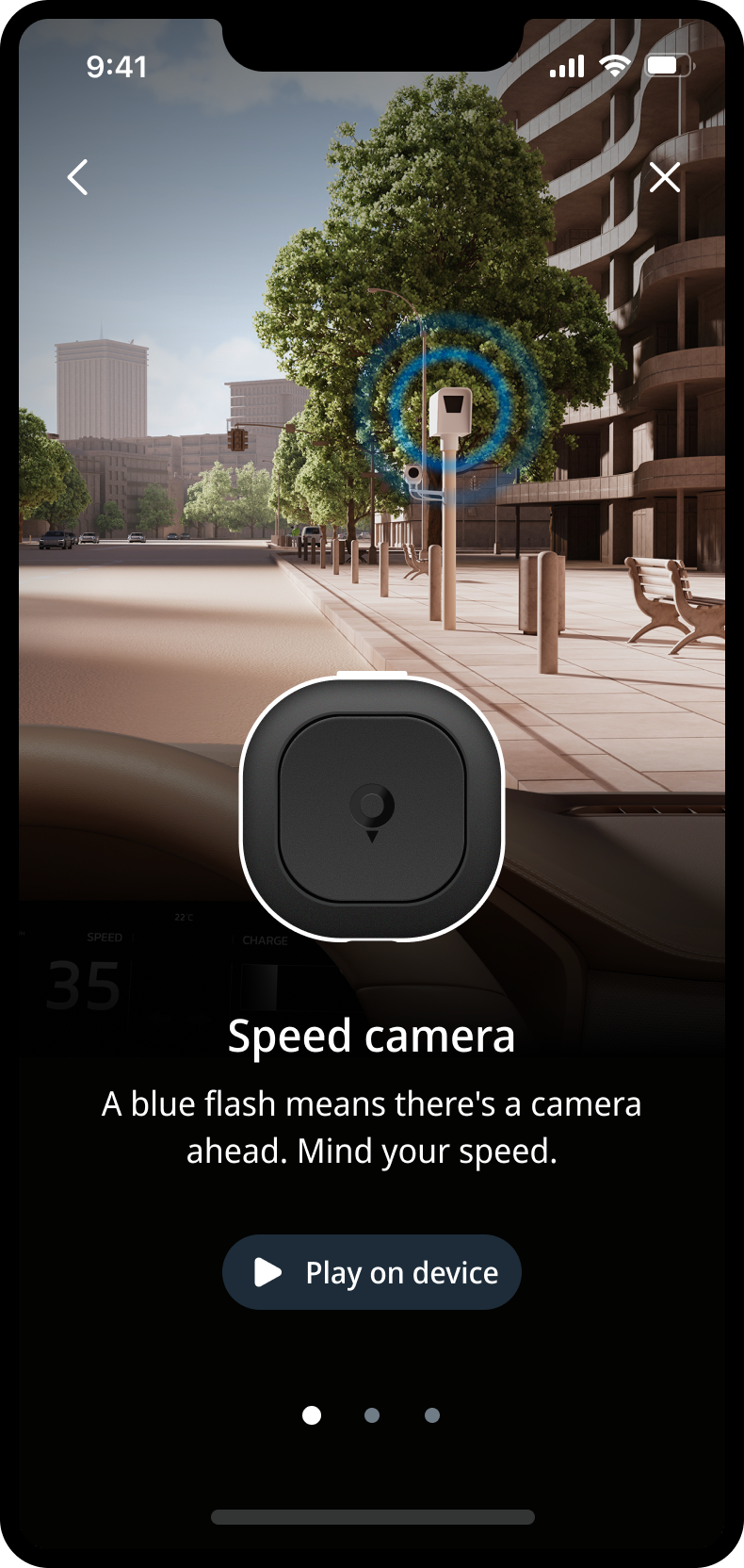
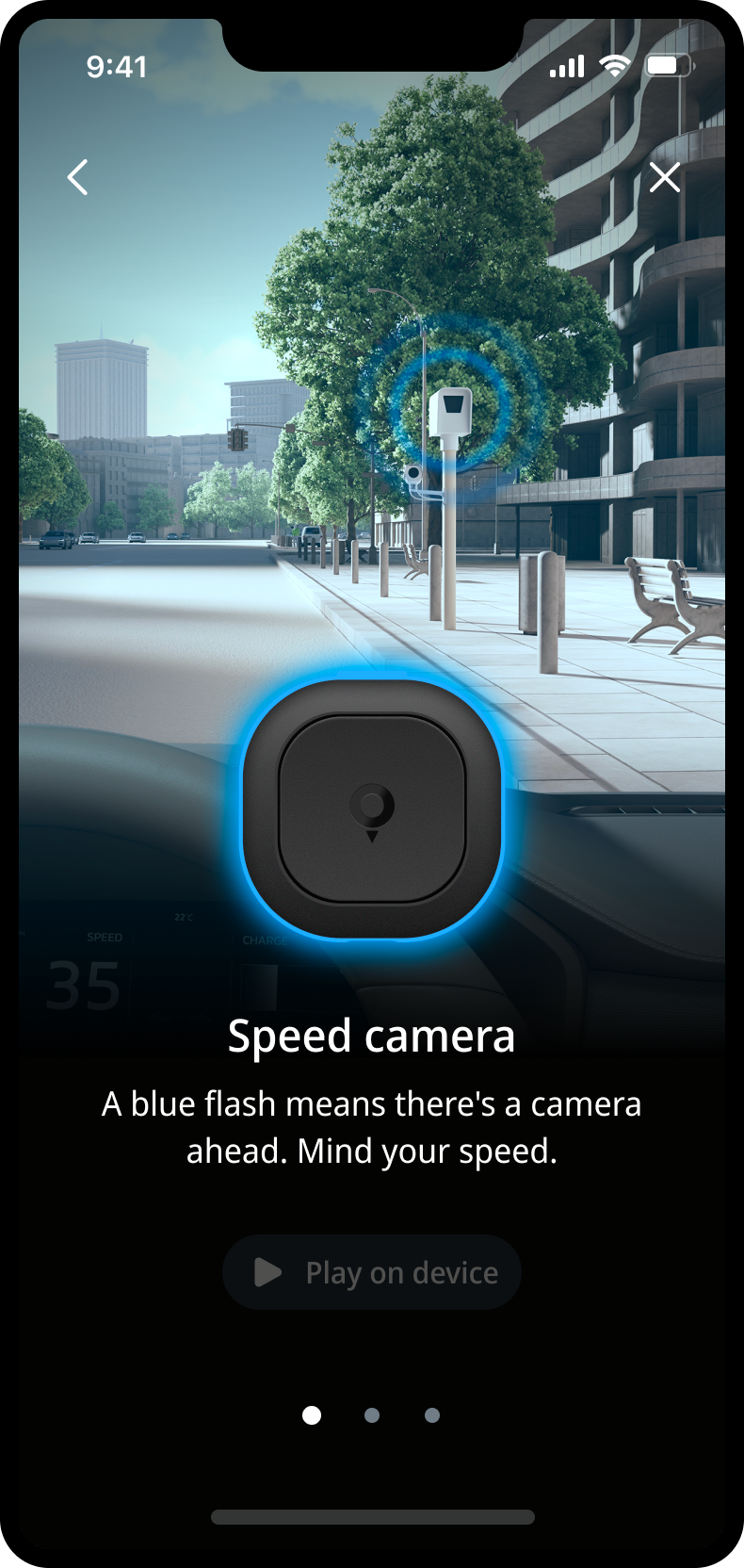
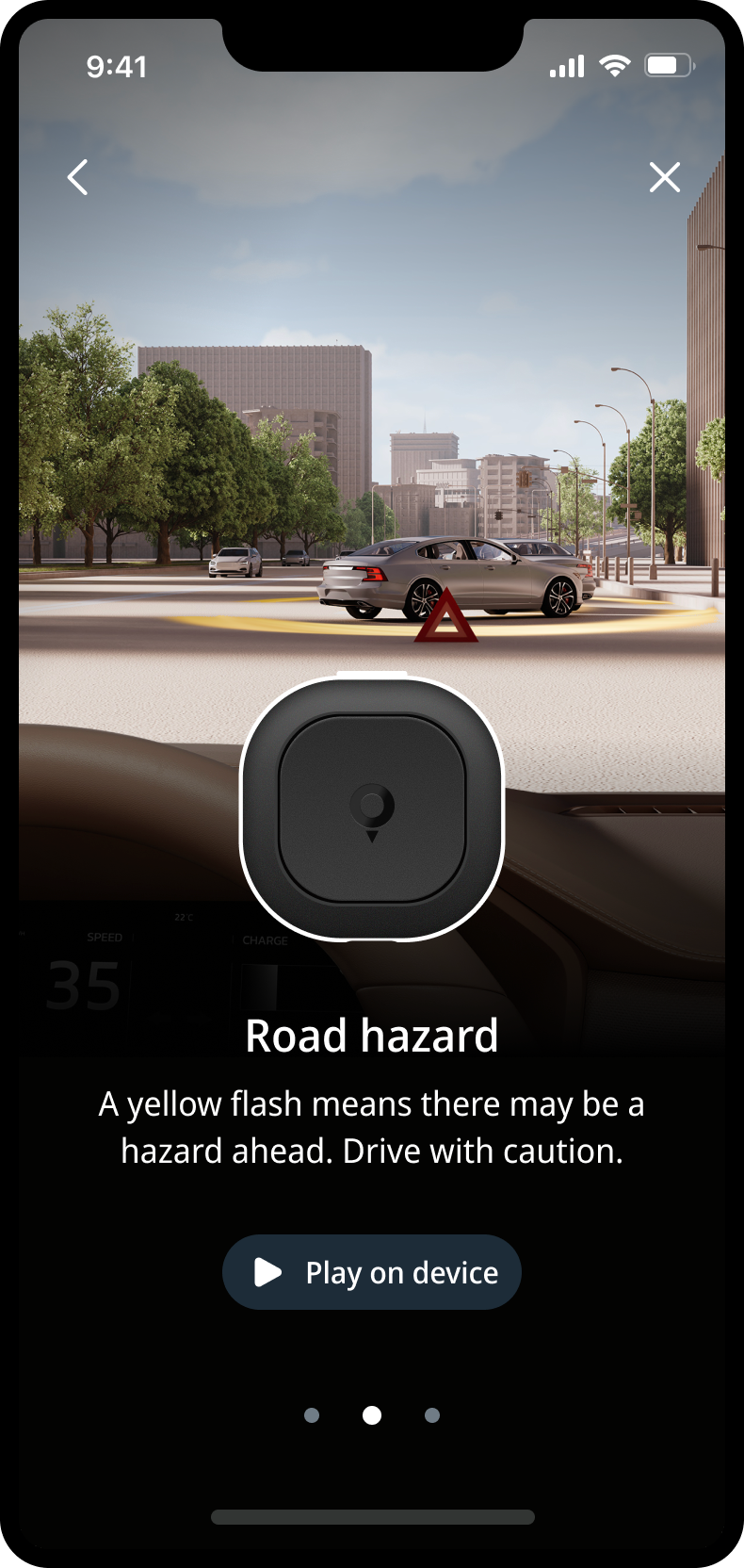
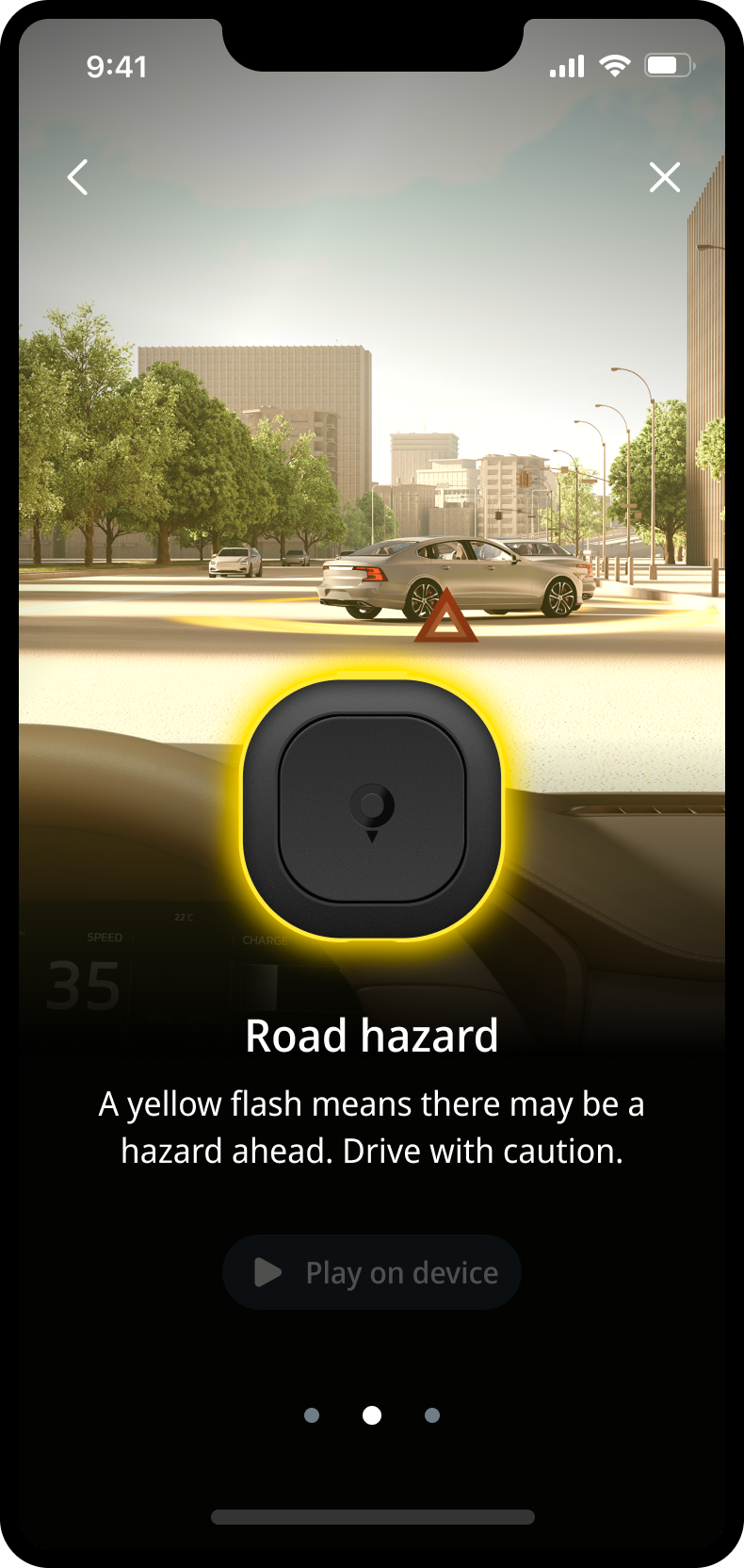
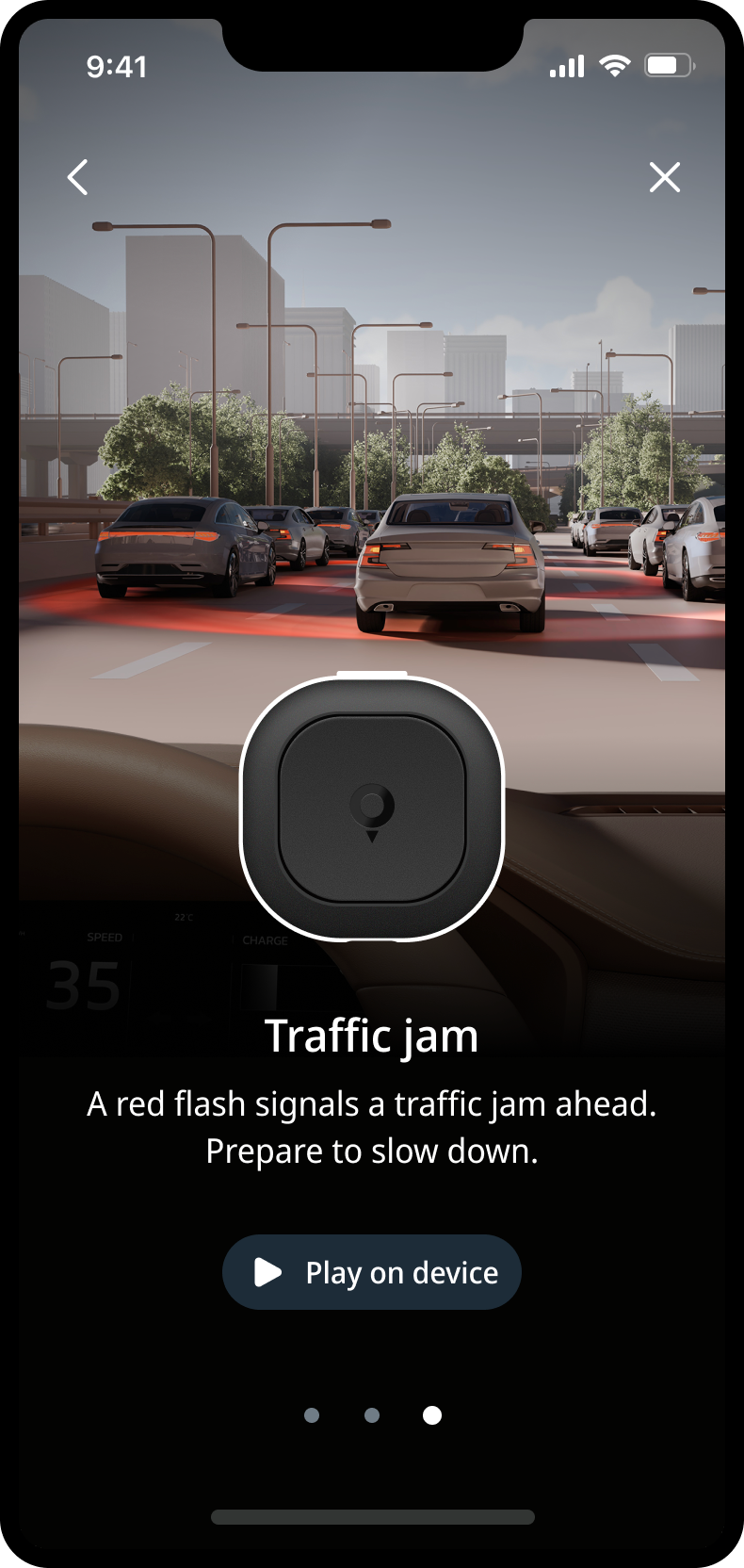
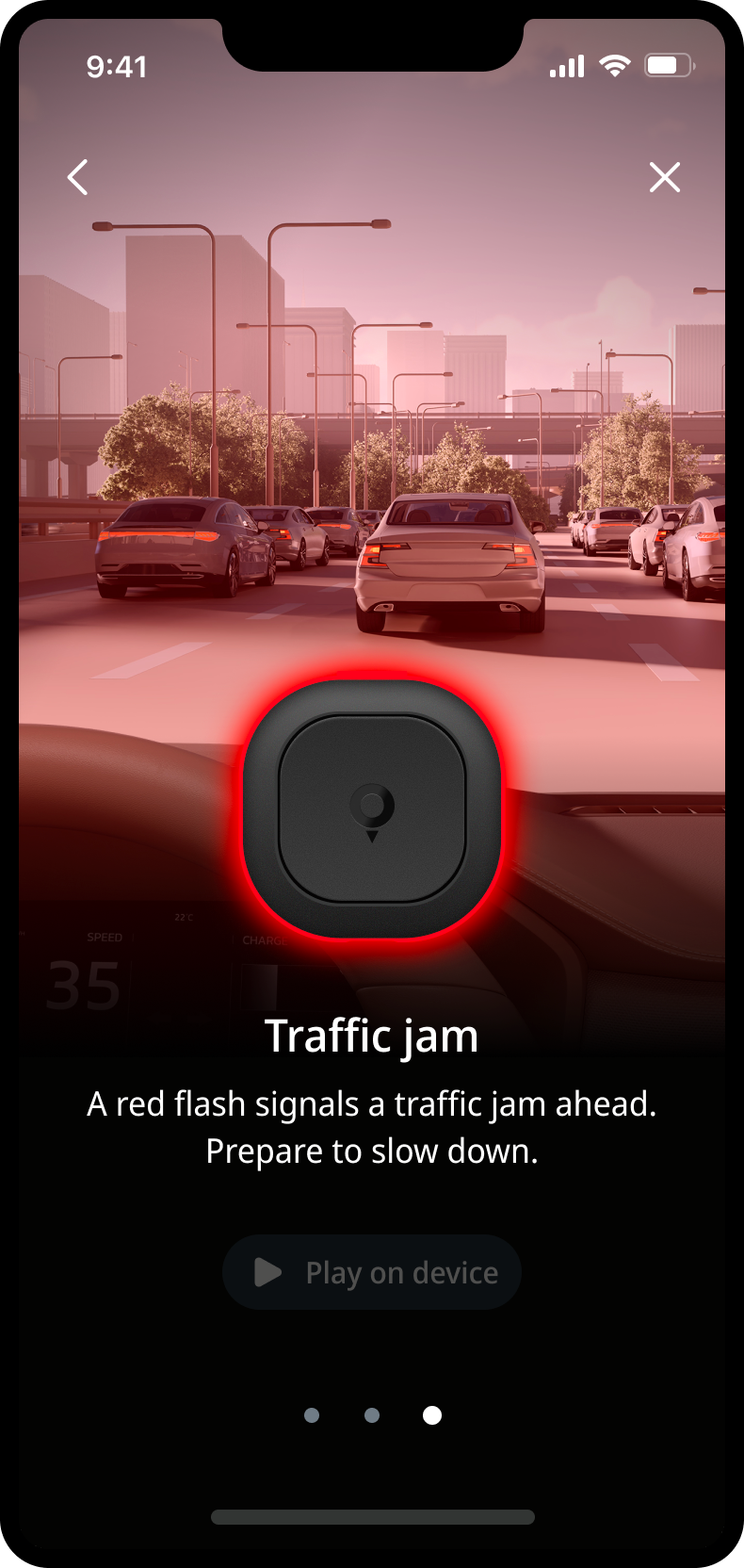
After pairing, users are guided through short in-app tutorials that explain the basic light and sound behaviours of Tom. These micro-lessons were important because the device communicates while someone is driving, so users need to understand the signals before relying on them on the road.
The original concept was a simple list of play buttons. I redesigned this into a more visual, contextual learning experience: each tutorial shows a driving situation, explains the signal, and lets the user play the sound on the device itself.
To explore the visual direction, I used AI-generated imagery as an early design tool. This helped the team align quickly before a CGI partner created final visuals that better matched the TomTom brand.
Settings
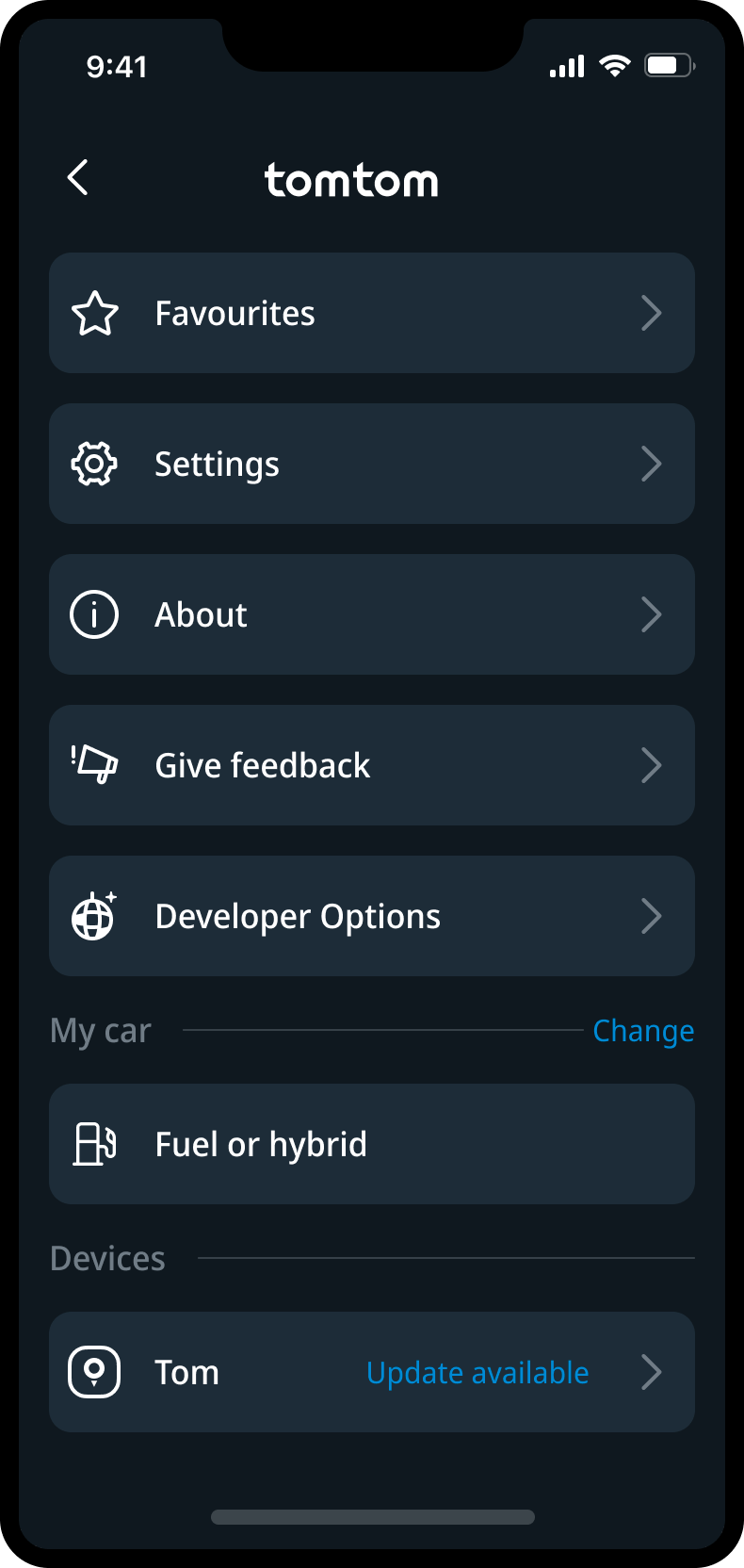
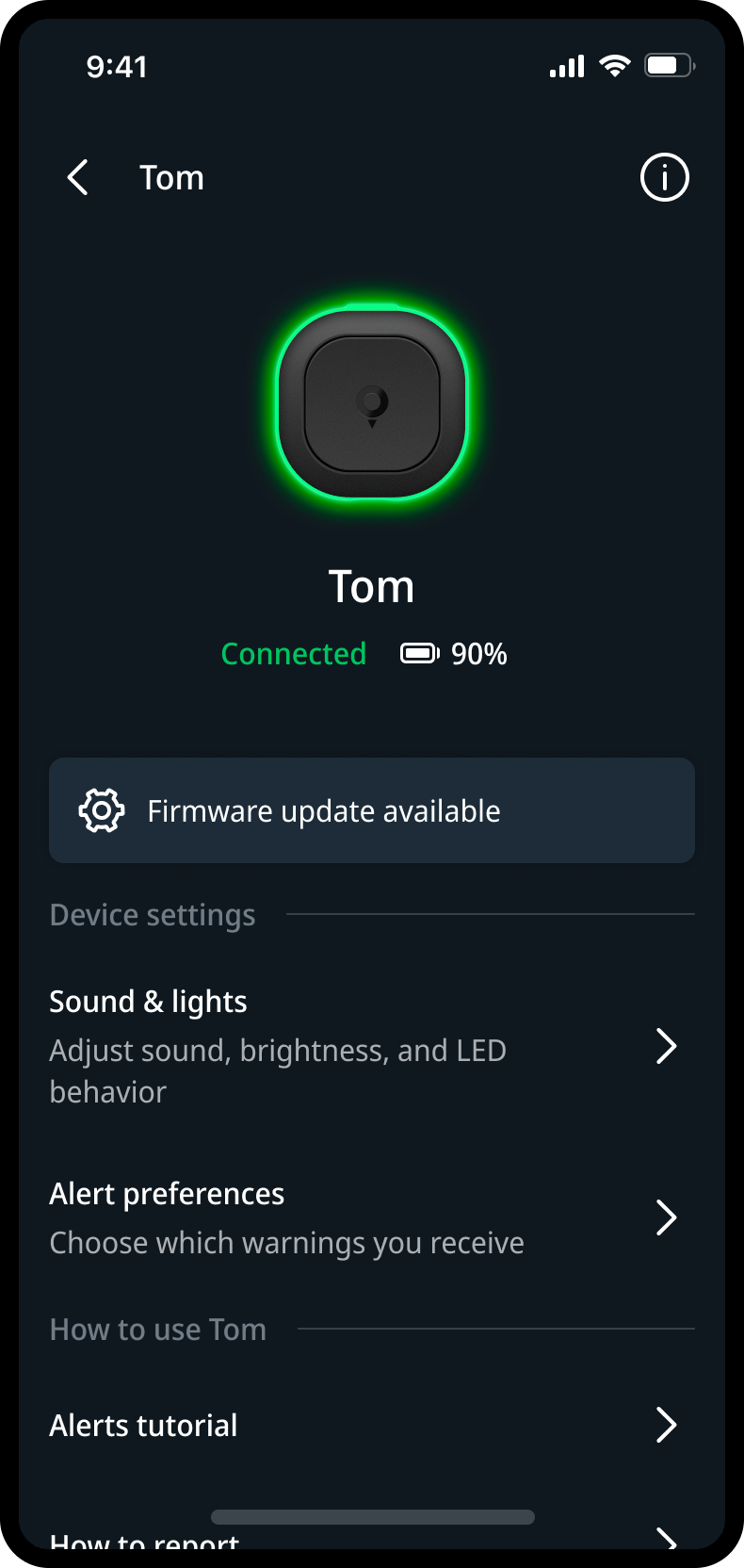
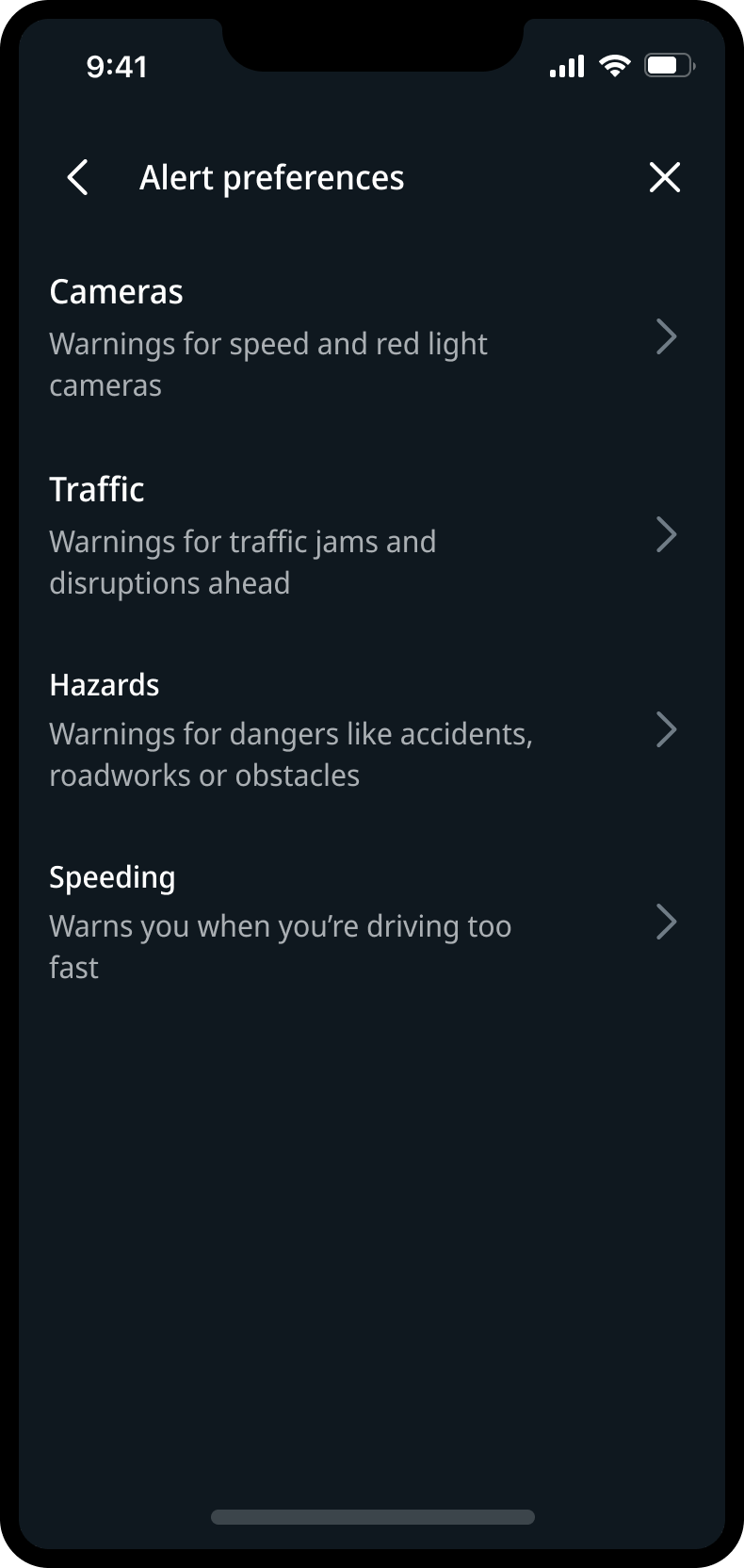
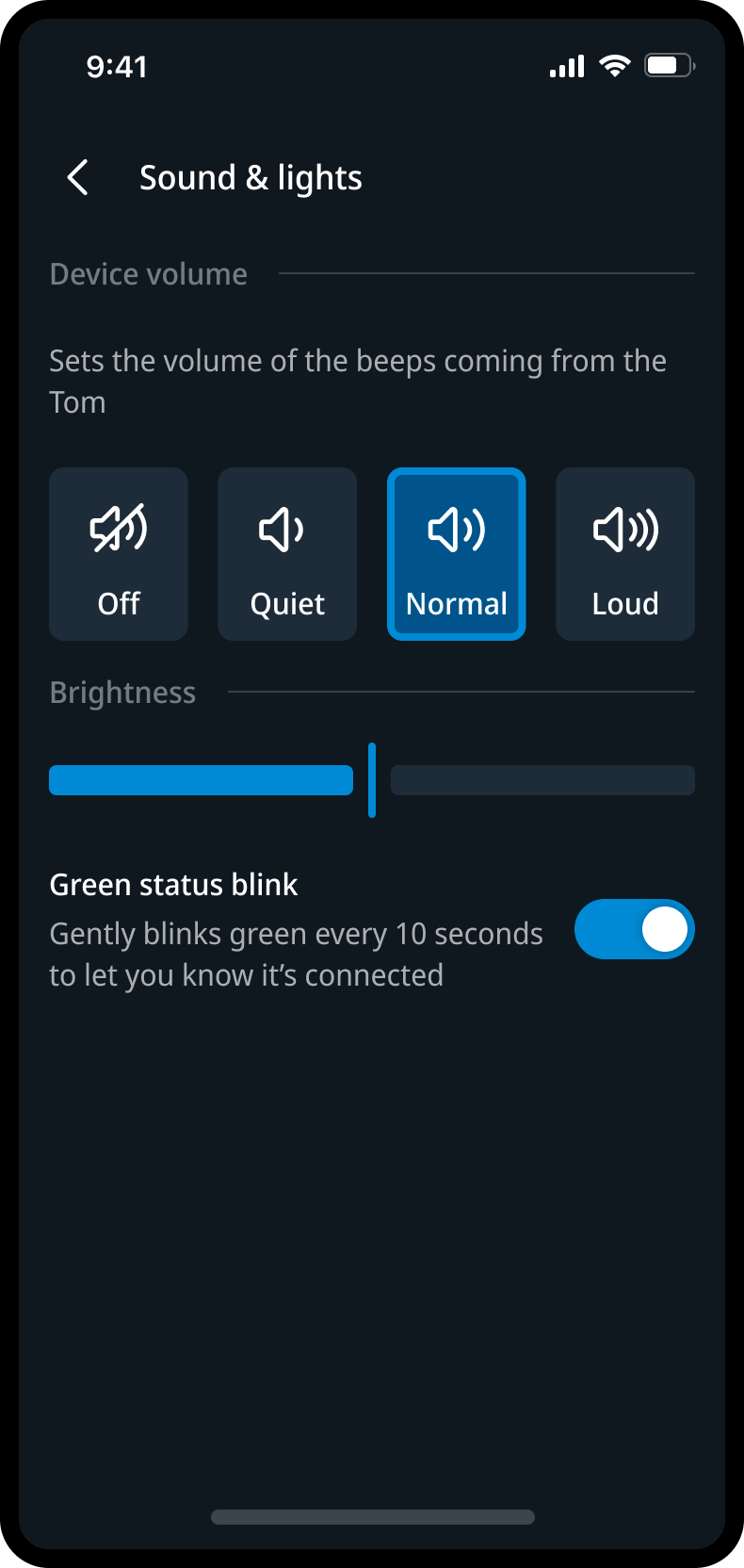
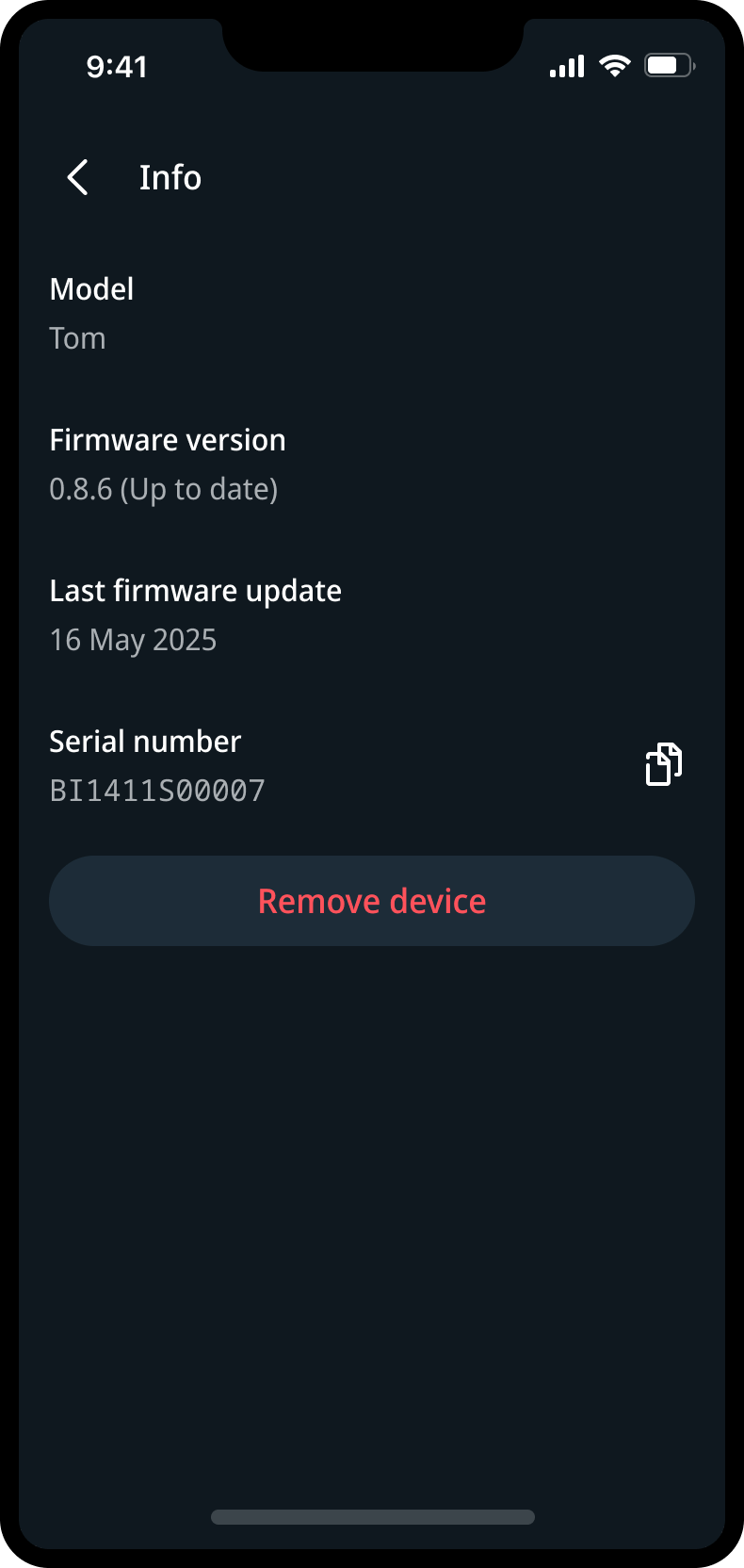
The settings experience is where Tom’s behaviour becomes visible and controllable. I worked on screens for alert preferences, sound and light behaviour, adaptive brightness, battery state, firmware updates, tutorials and device management.
The design challenge was to turn low-level device capabilities into meaningful choices. Users should understand what Tom is doing, adjust how it behaves, and resolve basic device states without feeling like they are managing technical hardware.
Settings became the control layer between app, device and driver: clear enough for everyday use, but detailed enough to support a connected product with multiple states and behaviours.
Device UX
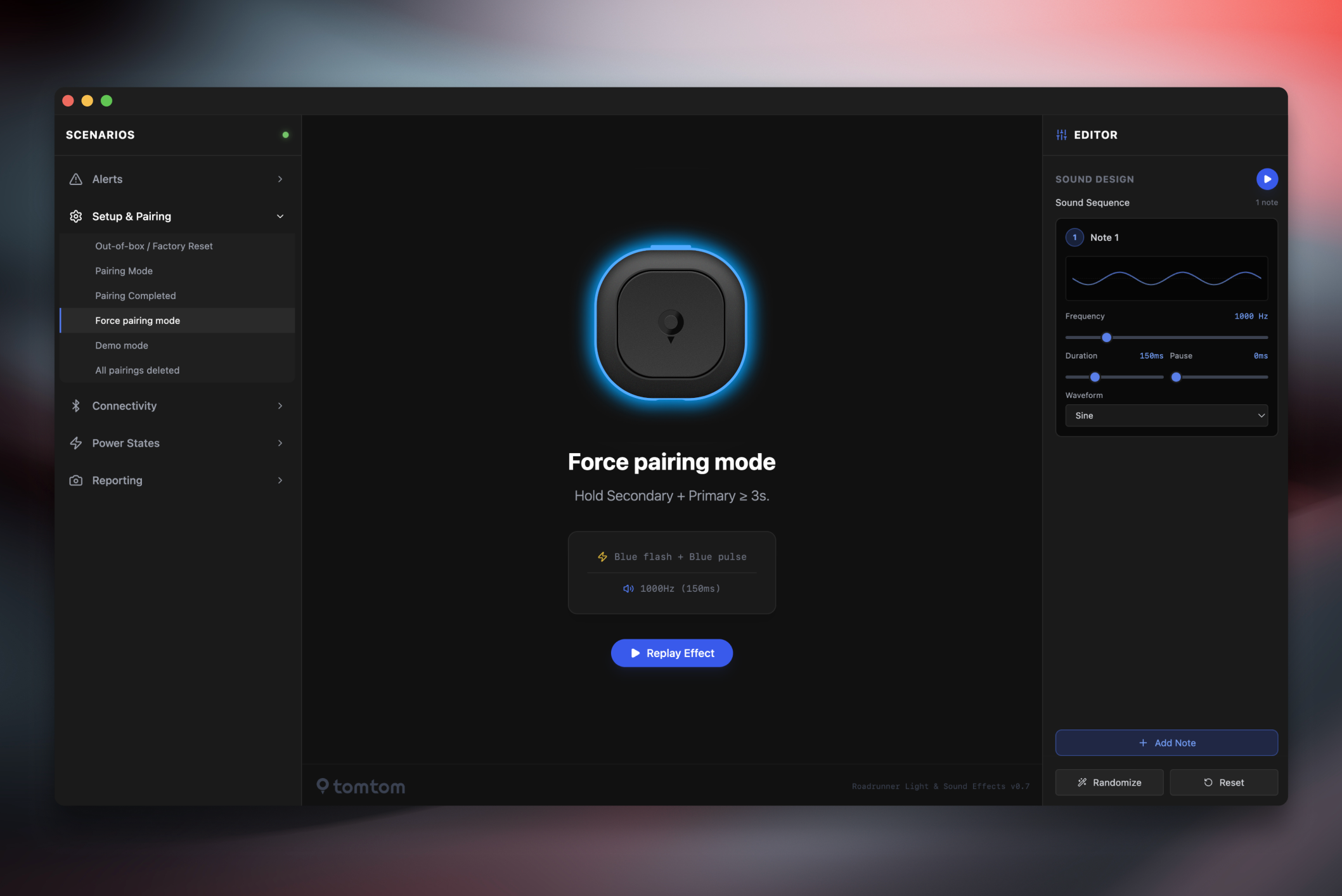
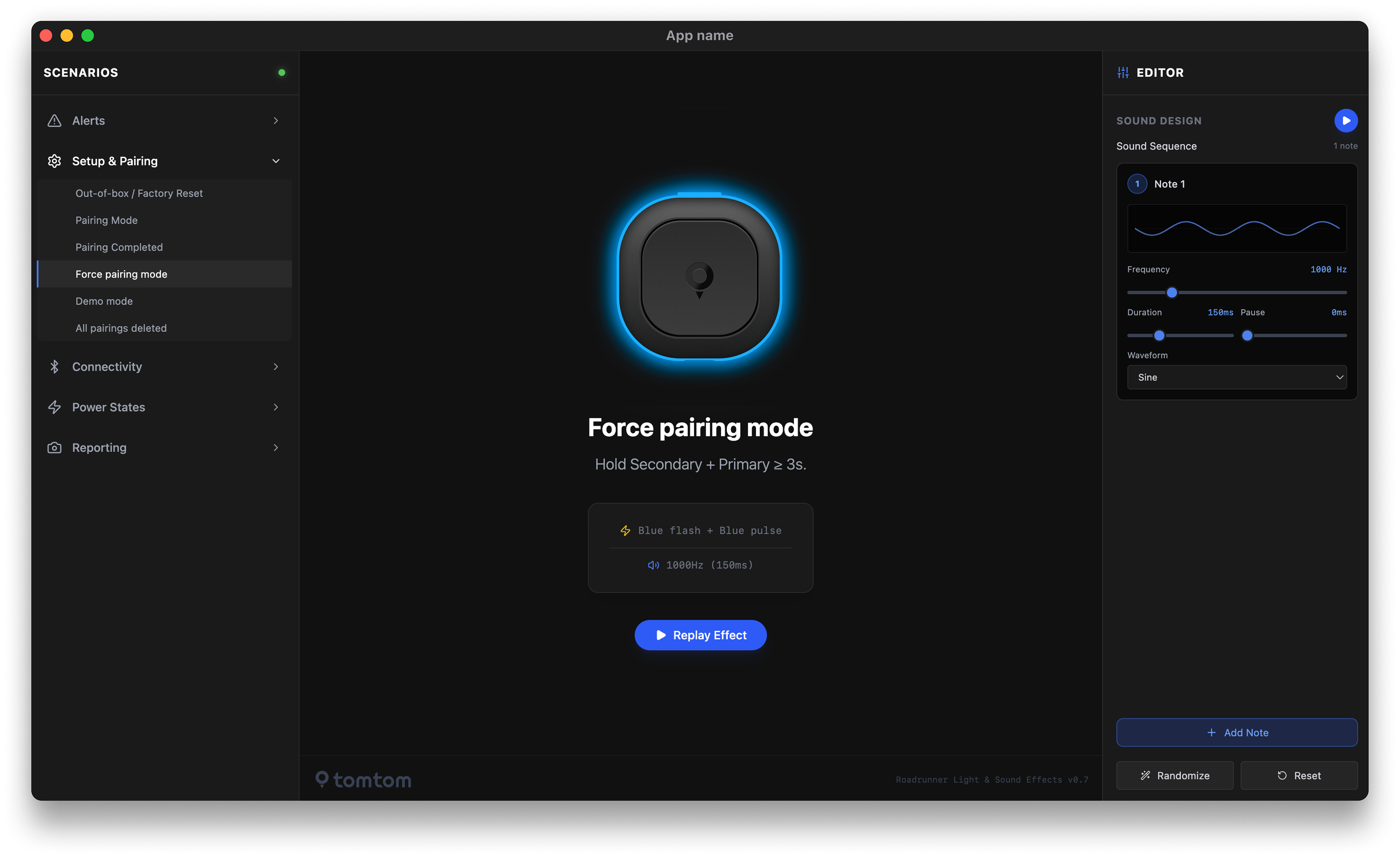
A central part of the project was defining how Tom communicates beyond the screen. The device uses light and sound to signal different situations, so I worked on the behaviour system behind those alerts: colour, rhythm, timing, intensity, sequence and recognisability.
Together with product, hardware and engineering, I helped reduce the alert model to a small set of memorable signals. Blue became associated with cameras, red with traffic jams and braking context, yellow with road hazards, and orange was explored for speeding because of its connection to the speed indicator in the TomTom app.
The device could technically support many alerts, but the experience became stronger by keeping the model focused. The signals needed to be noticeable without becoming stressful, recognisable without requiring much explanation, and useful without distracting the driver.
Collaboration
I worked closely with product management, hardware, engineering, UI design, design systems, brand and an external CGI partner. The work happened while TomTom was also rolling out a new mobile navigation app and design system, so the Tom experience had to be shaped inside a moving product environment.
My role was to bring focus to the app and device experience: connecting product requirements, hardware constraints, design-system decisions and user-facing behaviour into one coherent experience.